Rental Repair Guide
 Rendora Studio
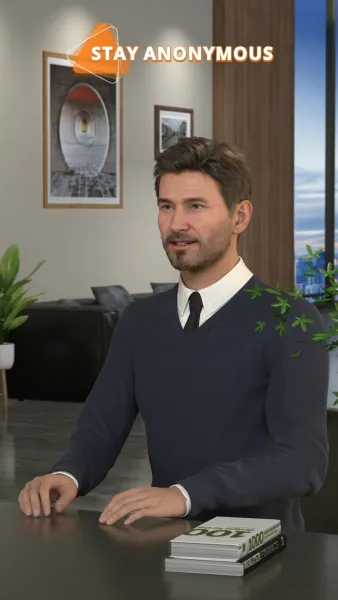
Hi, I’m Tony from Alder Living. Here’s how to submit and track a repair request in three simple steps.
First, open the app, go to Maintenance, and tap New Request. Select your property and repair category, describe the issue and its location, and upload a photo or video. Then tap Next. For uncontrolled water leaks, use Emergency Help to contact our team directly.
Next, choose your preferred visit times and whether the technician can enter while you’re away. Add any entry instructions or pet details, then tap Review. Check everything, tap Submit, and save your request number. You’ll receive an appointment confirmation by notification.
After submitting, return to Maintenance and open My Requests. Select your request number to view its progress and confirmed appointment. When the repair is complete, test the item to check that it works. If the same fault remains, tap Request Follow-up in the original request, describe the remaining problem, and attach a new photo.
That’s all it takes to manage your repairs with Alder Living. Thanks for watching!